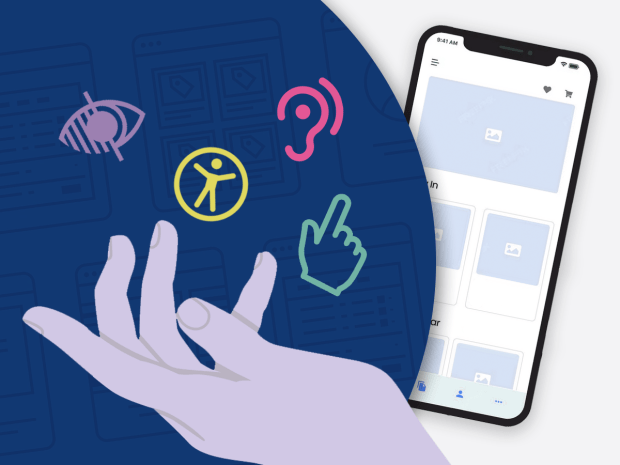
Before you present your new user experience, have you thought about the type of people who may use it? Have you made it accessible for all users? Even ones with disabilities or learning preferences? If not, you may not be ready to launch your product out into the world just yet. While you have probably thought about the usability of your product and focusing on making experiences smooth and efficient, your accessibility of your product is something entirely different. In the UX world, good accessibility is when websites, apps, and tools are usable by everyone, including people with permanent, temporary, or situational disabilities. In this post, we will explore three unique ways to make your product more accessible for people with disabilities.
Inclusive User Journeys
Whenever designers map user journeys they tend to go with the “typical user”. This is not necessarily wrong or bad, but we should be mindful of all groups of people who will be using our product, not just the majority. Amber Qualm from A11Y Collective’s blog reminds us to include diverse participants in your research. People may use screen readers, navigate exclusively by keyboard, have color blindness, or use magnification tools. By understanding how differently people navigate technology, you can begin to understand what works and what causes difficulty. For example, what barriers would someone that has low vision face when navigating your website? How does your app work with screen readers? Or what steps in the check-out process may they need extra help with if they aren’t familiar with online technology? Once you incorporate all types of users into your user journeys, you can get a bigger picture of how well your product works for everyone. Only then you’ll be sure that your users can successfully reach the end of their journey.
Keyboard Navigation
Many users with disabilities rely heavily on keyboard navigation. So, when designing your website or app, be sure to think beyond tapping a button or link. Think about how it would work with keyboard input. To allow easy navigation, often the Tab button is used to move forward and Shift+Tab to move backward through all interactive components. Also commonly used is pressing Enter to activate links and buttons, and Spacebar to interact with check boxes, and form controls. Keeping the Tab order is also important; they should follow the visuals, top-to-bottom, left-to-right flow of the page. Allowing this interaction to flow smoothly, users can navigate entirely by keyboard and be able to scroll as intended. What may seem like an extra step for the designer creates a better experience for users with motor impairments, visual impairments, or temporary injuries.
Feedback and Error Handling
As many designers know, drop-offs on a website usually happen during a checkout process or filling out a form. Now imagine your someone with a cognitive and visual disability… this process just became even more frustrating. When errors occur with your product, it’s always important to provide accessible feedback so that they know what went wrong. One way to do this is to include an error message next to the exact field that holds the wrong information, not at the top of the page. The message should also clearly state what’s wrong and how to resolve it, not just an error code. On the other hand, you should also let your user know when they have successfully uploaded content. Form submissions, uploads, and deletions should be met with clear status messages. All of this feedback helps users with disabilities independently navigate, successfully fill out forms, and of course reduce drop off rates and frustration.
Accessibility and Inclusivity
Accessibility in UX design shouldn’t be looked at as just a final checklist item. Instead, think of it as a better way to design our products from the very beginning. In fact, it should be integrated into every stage of the design process and project. By considering inclusive user journeys, enabling easy keyboard navigation, and providing clear feedback, designers can create experiences that work and are enjoyable for everyone. By prioritizing accessibility, your designs and products become stronger, and users become more comfortable with technology as they use it. As you go through your work, challenge yourself to think beyond the “typical” user and design with intention, empathy, and inclusivity. Without it, a product that isn’t accessible isn’t reaching its full potential.

 The Creative Corner